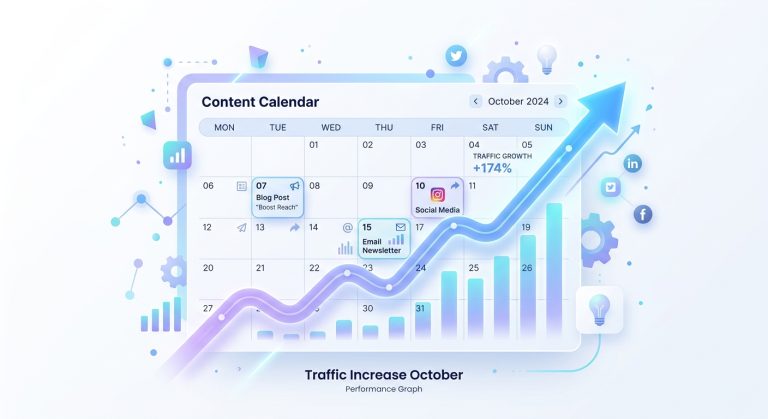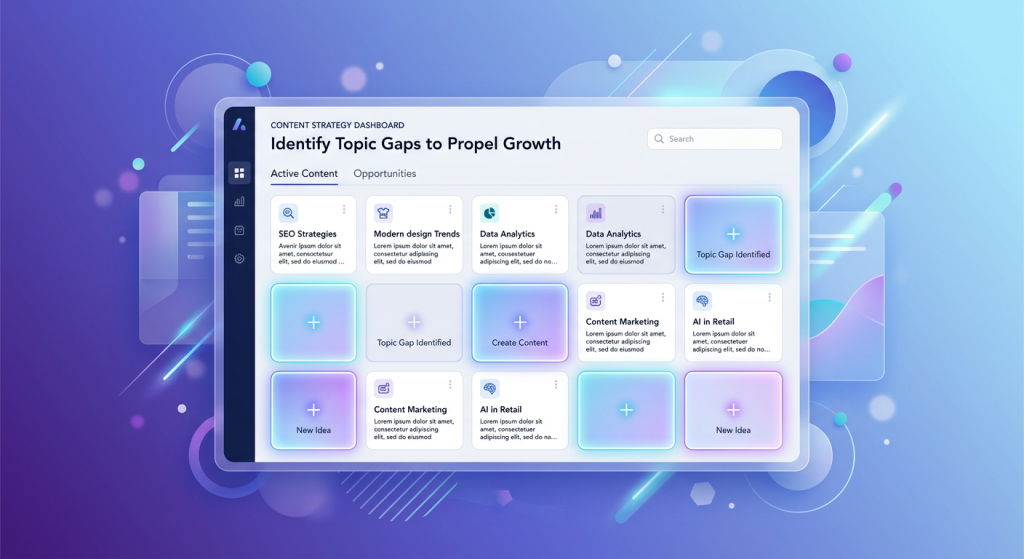
Content gap analysis is the process of comparing your existing blog content against competitor sites — or against what your audience is actually searching for — to find the topics you’re missing. It’s the single most efficient way to build a content calendar that drives organic traffic instead of guessing at blog topics. In the five steps below, you’ll learn exactly how to run one, what to do with the results, and how to automate the entire process so gaps never pile up again.
Why Most Blogs Bleed Traffic They Should Be Getting
Here’s a number that should bother you: the average niche blog covers less than 35% of the topics its audience actively searches for. That means two-thirds of the traffic you could be earning is going straight to competitors who simply wrote the article first.
The root cause isn’t laziness. It’s visibility. Without a systematic way to see what’s missing, content teams default to brainstorming sessions, gut feelings, or whatever the CEO saw on LinkedIn last week. The result is a blog full of overlapping posts on “safe” topics and zero coverage of the long-tail queries that actually convert.
The Compounding Cost of Missing Topics
Every month a gap goes unfilled, your competitors accumulate backlinks, topical authority, and user engagement signals on that keyword cluster. By the time you notice, you’re not just writing a new post — you’re fighting an entrenched page with a six-month head start. Gap analysis flips the script: you find holes before they become canyons.
Step 1: Define Your Competitive Set
You can’t find gaps without knowing who you’re comparing against. But “competitors” in content gap analysis doesn’t mean your business competitors — it means your SERP competitors, the sites that consistently show up for the keywords you care about.
How to Identify SERP Competitors
- Search your core topics. Type your five most important keywords into Google. Note which domains appear on page one across multiple queries — those are your content competitors.
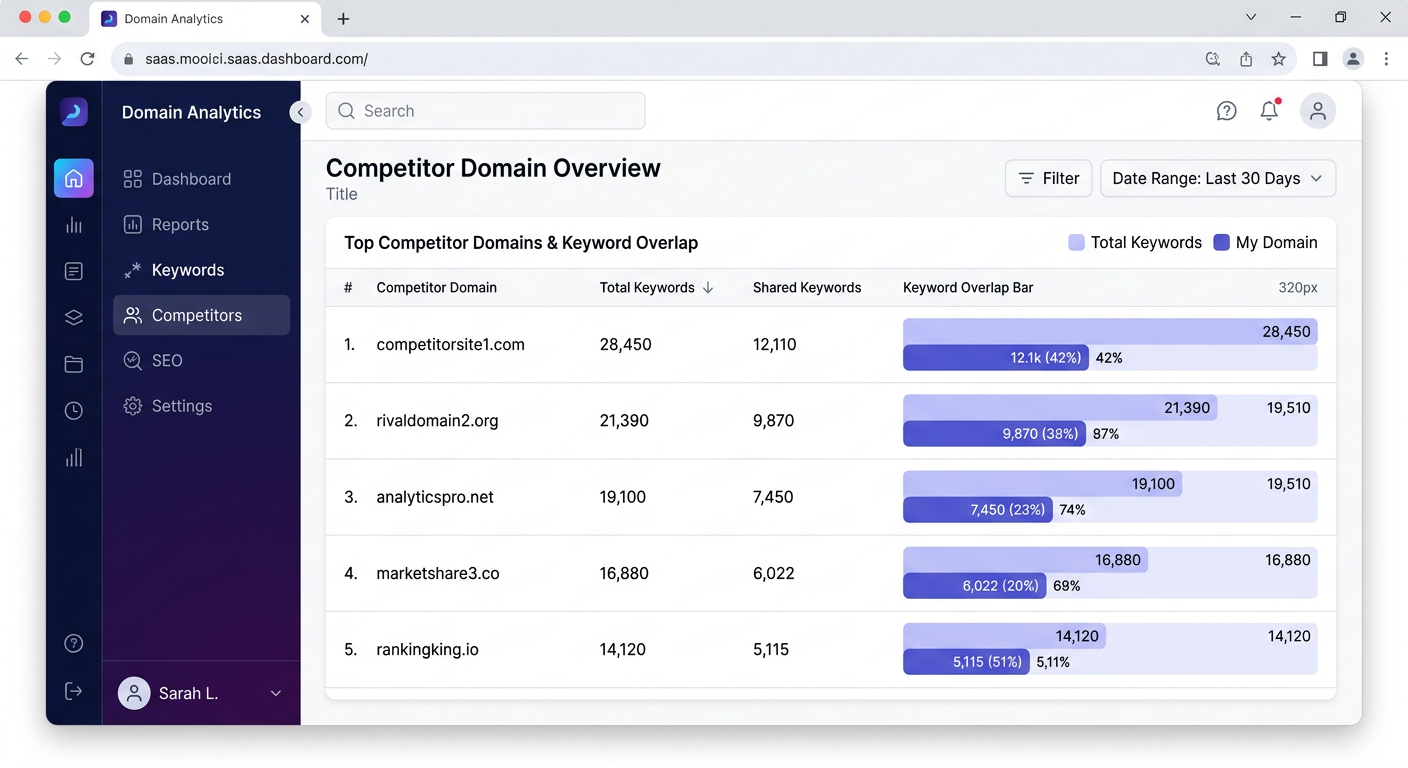
- Use a crawling tool. Ahrefs’ “Competing Domains” report or Semrush’s “Organic Competitors” will surface sites that share keyword overlap with yours.
- Don’t pick too many. Three to five competitors is the sweet spot. More than that and the data becomes noise.
A Common Mistake
Picking only direct business rivals and ignoring media sites, forums, or niche blogs that dominate your SERPs. A WordPress theme company might find that their biggest content competitor is a tutorial blog run by a solo creator — not another theme vendor. Include them.
Step 2: Extract and Map Competitor Keywords
Now you need the full picture of what each competitor ranks for. The goal is a master list of every keyword driving organic traffic to their blogs, mapped against your own rankings.
The Manual Approach
If you don’t have access to paid SEO tools, you can still build a useful dataset. Crawl each competitor’s sitemap (usually at /sitemap.xml), list every blog URL, and categorize them by topic. Then search Google for those topics and note where you do — and don’t — appear. It’s tedious, but it works for small sites with under 100 posts.
The Tool-Assisted Approach
Ahrefs’ Content Gap tool and Semrush’s Keyword Gap report let you paste in competitor domains and instantly see keywords they rank for that you don’t. Export the list, filter for keywords with monthly search volume above 100 and keyword difficulty below 40, and you’ve got a prioritized hit list in under an hour.
The Autopilot Approach
Tools like MagicDraft analyze your existing WordPress content and automatically surface the topics your blog is missing — no manual exports, no spreadsheets. The gap analysis runs against your actual published posts, so the results are always current.
Step 3: Categorize Gaps by Intent and Priority
A raw keyword list is useless if you don’t know which gaps matter most. Not all missing topics are created equal — some will drive revenue, others will just pad your traffic numbers with visitors who never convert.
Sorting by Search Intent
Group every gap keyword into one of four intent buckets:
- Informational: “what is content gap analysis” — top-of-funnel awareness.
- Navigational: “MagicDraft pricing” — brand-specific queries.
- Commercial investigation: “best AI blog writing tools 2026” — comparison shopping.
- Transactional: “buy AI content tool for WordPress” — ready to purchase.
The Priority Matrix
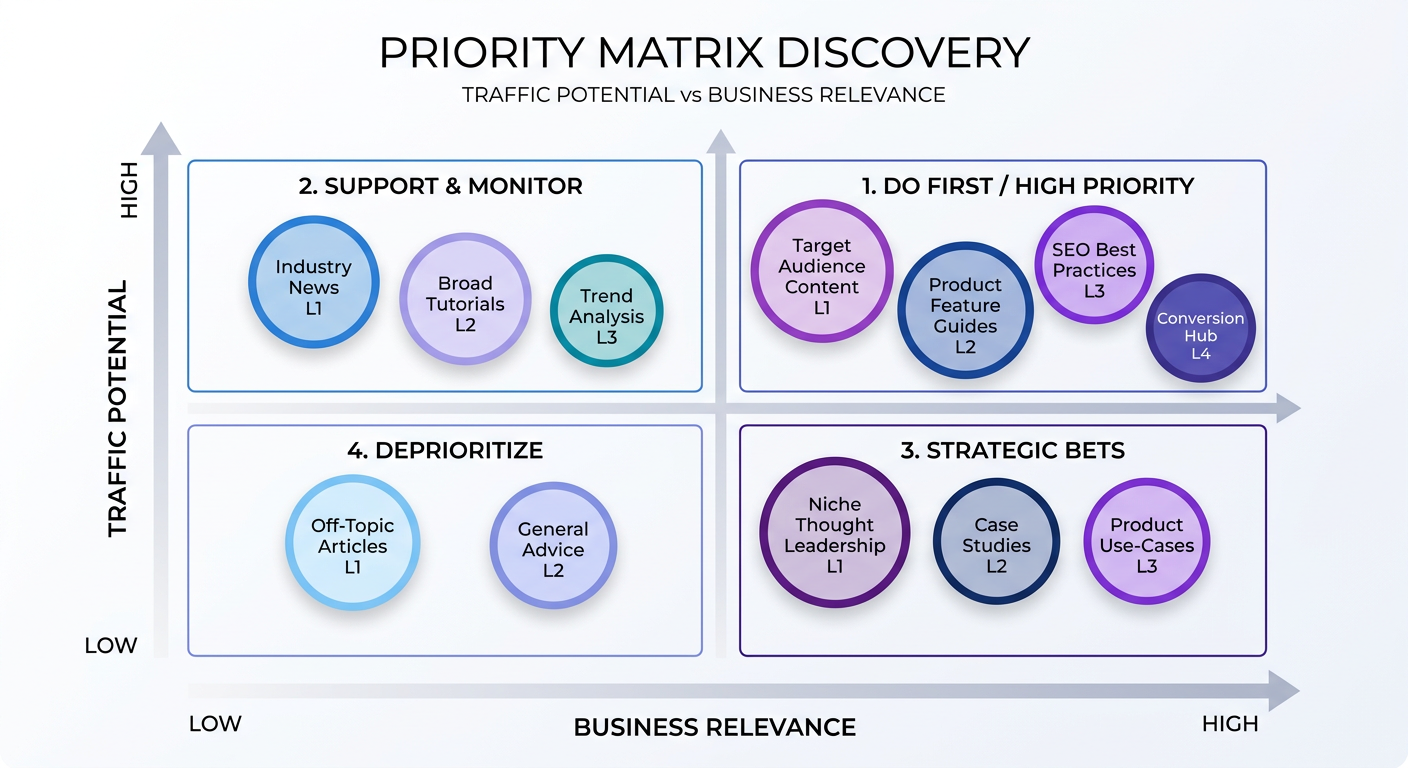
Plot each gap on two axes: traffic potential (search volume × expected CTR) and business relevance (how closely the topic maps to your product or service). The top-right quadrant — high traffic, high relevance — is where you start. Everything else queues behind it.
For instance, a SaaS startup selling project management software might discover a gap for “how to run a sprint retrospective.” High search volume, directly relevant to their users. That’s a priority-one gap. Meanwhile, “history of agile methodology” has decent volume but near-zero purchase intent — it goes to the back of the line.
Step 4: Create Content Briefs for Each Gap
Identifying gaps is the easy part. Turning them into articles that actually rank is where most teams stall. A solid content brief bridges the gap (pun intended) between keyword research and published post.
What a Good Brief Includes
- Target keyword + secondary keywords: One primary, three to five supporting terms.
- Search intent summary: What does the searcher actually want? A how-to guide? A comparison? A definition?
- Competitor analysis: What do the top three ranking pages cover? What do they miss?
- Suggested structure: H2 and H3 outline with specific subtopics to address.
- Internal linking targets: Which existing posts on your site should this new article link to — and which should link back?
- Word count range: Based on competitor content length and topic depth, not an arbitrary number.
Real-World Example: Agency Managing 8 Client Blogs
A digital marketing agency we spoke with was managing content for eight client WordPress sites. Their old workflow: one strategist spent roughly 12 hours per week building briefs manually. After switching to MagicDraft’s autopilot gap analysis and article generation, the same strategist reviewed AI-drafted briefs and articles in about two hours per week — freeing up 10 hours for client strategy and link building. The briefs included internal linking suggestions baked in, which had been the most time-consuming manual step.
Step 5: Publish, Interlink, and Monitor
A content gap analysis that lives in a spreadsheet forever is just an expensive to-do list. The final step is execution — and the speed at which you publish matters more than most people realize.
Why Publishing Velocity Matters
Google’s freshness signals and topical authority algorithms reward sites that demonstrate consistent, comprehensive coverage. Publishing one gap-filling article per month when you have 40 gaps means your competitors have a three-year head start. Aim for a cadence that fills your highest-priority gaps within 60–90 days.
Internal Linking: The Step Everyone Skips
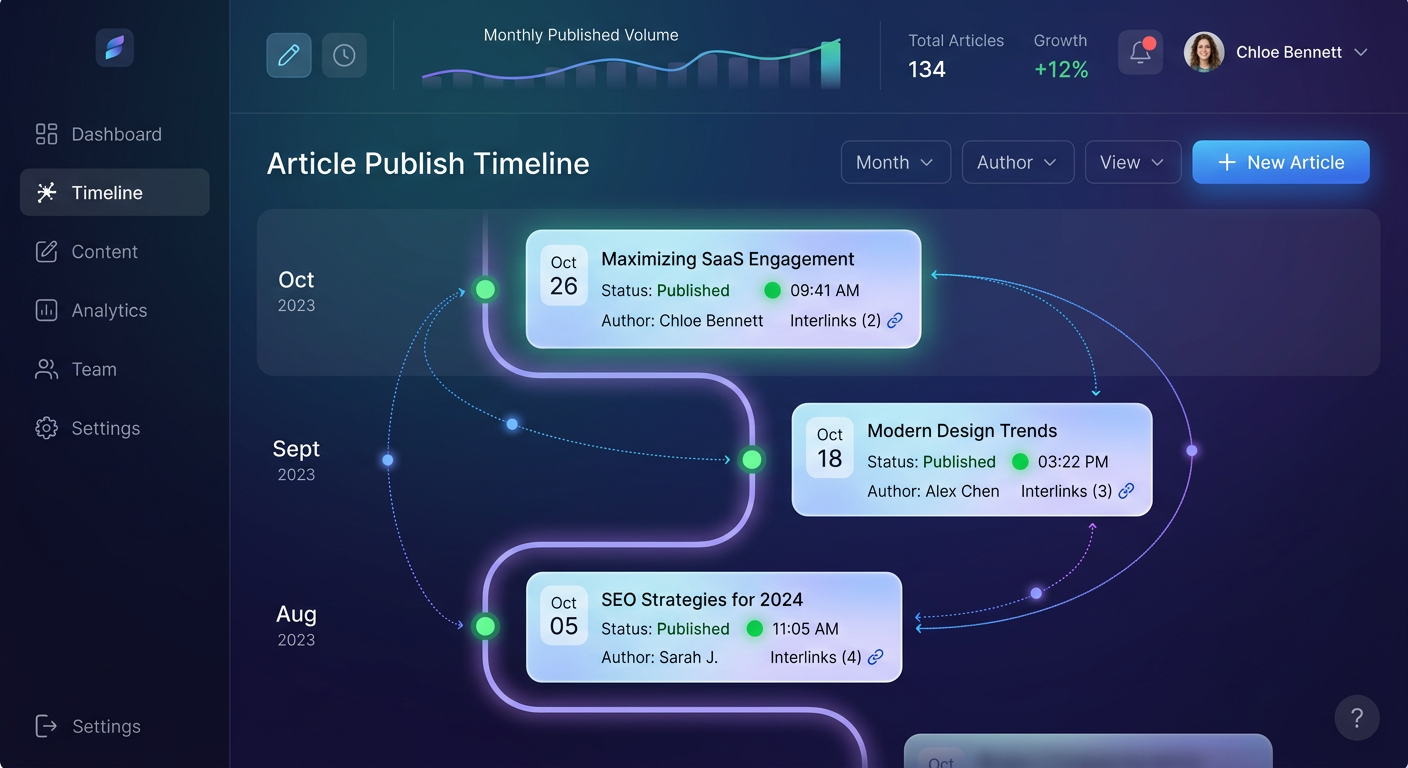
Every new article you publish should link to two or three existing relevant posts, and those existing posts should be updated with links back to the new one. This creates topical clusters that search engines use to understand your site’s authority structure. Skipping internal linking is like building rooms in a house but forgetting to add doors between them.
If managing this manually sounds painful — it is. That’s exactly why MagicDraft handles internal linking automatically when it publishes articles to your WordPress site. Every post is woven into your existing content structure from day one.
Monitoring for New Gaps
Content gap analysis isn’t a one-time project. Competitors publish new content weekly. Search trends shift. Your own content ages. Set a quarterly cadence to re-run your gap analysis, or better yet, use a tool that monitors continuously and flags new opportunities as they appear.
Manual vs. Tool-Assisted vs. AI Autopilot: Which Approach Fits You?
Not every team needs the same approach. A solo blogger with 20 posts and a free afternoon can do a perfectly good manual gap analysis. An agency managing multiple client sites needs automation or they’ll drown in spreadsheets.
The comparison table below breaks down the three main approaches by time, cost, skill level, and output quality. Be honest about where you are — the best approach is the one you’ll actually execute consistently.
If you’re somewhere in the middle — too many sites for manual work, but not ready for enterprise SEO tool pricing — that’s the exact use case MagicDraft was built for. You get continuous gap analysis, article drafting, and WordPress publishing in one workflow, at a price point that doesn’t assume you have an SEO team of five.
Common Mistakes That Sabotage Your Gap Analysis
Running a gap analysis is straightforward. Running one that actually leads to traffic growth requires avoiding a few traps that catch even experienced SEOs.
Mistake 1: Chasing Volume Over Relevance
A 10,000-search-volume keyword means nothing if it attracts visitors who will never buy, subscribe, or engage. Always filter through business relevance before traffic potential. A 200-volume keyword that matches your product’s exact use case will outperform a 5,000-volume vanity term every time.
Mistake 2: Ignoring Content You Already Have
Sometimes the “gap” isn’t a missing article — it’s an existing article that’s thin, outdated, or poorly optimized. Before creating a new post for every gap keyword, check whether you have a page that could be updated and expanded. Refreshing existing content is often faster and more effective than starting from scratch.
Mistake 3: No Follow-Through on Internal Linking
We mentioned this in Step 5, but it bears repeating because it’s the most common failure mode. Publishing 20 new articles without connecting them to your existing content is like adding inventory to a warehouse with no shelving system. Search engines can’t figure out what you’re an authority on if your pages exist in isolation.
Mistake 4: Treating Gap Analysis as a One-Time Event
Your competitors aren’t standing still. A gap you filled last quarter might have new competition today, and new gaps open up every month as search behavior evolves. Build gap analysis into your ongoing content operations, not your annual planning offsite.
Turn Gaps Into Growth on Autopilot
Content gap analysis is the most underused lever in SEO. It tells you exactly what to write, in what order, and why it matters — no guessing required. The five steps above will work whether you use a spreadsheet, a premium SEO suite, or an AI-powered tool.
But here’s the honest truth: the bottleneck is almost never the analysis. It’s the execution. Finding 50 gap topics is easy. Publishing 50 deeply researched, properly interlinked, SEO-optimized articles on a WordPress blog? That’s where teams stall, budgets balloon, and content calendars quietly die.
That’s the problem MagicDraft solves. It runs gap analysis on your existing content, generates research-backed articles, handles internal linking, and publishes directly to WordPress — all from one dashboard. If you’ve been meaning to do a content gap analysis but keep pushing it off, this is your shortcut. Check out the FAQ or start your first gap analysis today.